Pametna rasvjeta
Osnovna škola Zamet Rijeka
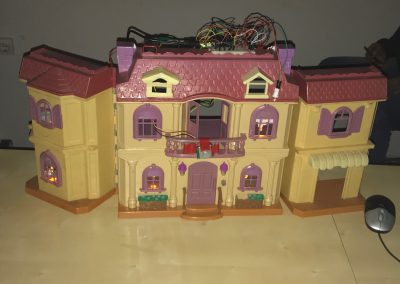
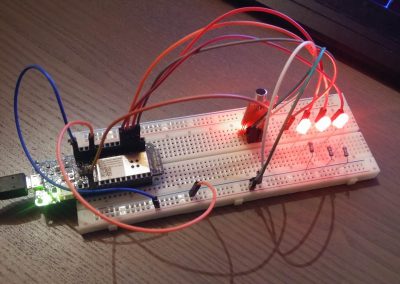
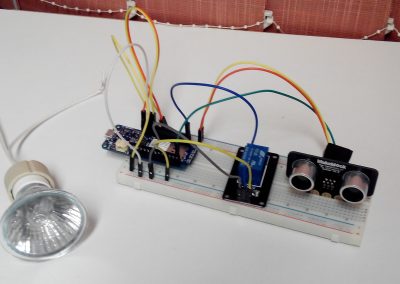
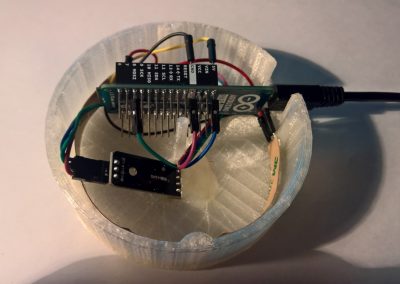
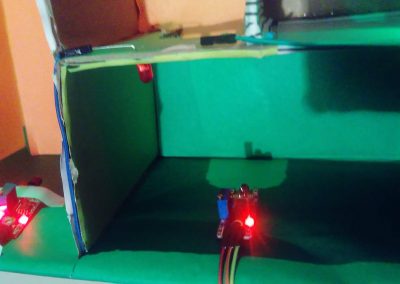
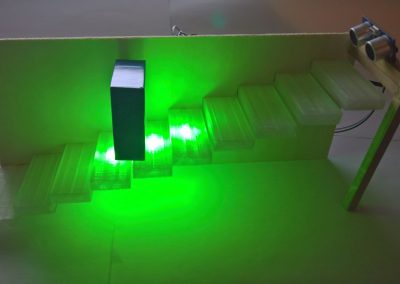
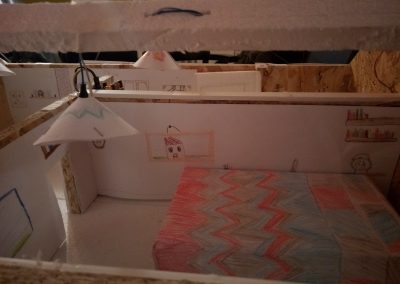
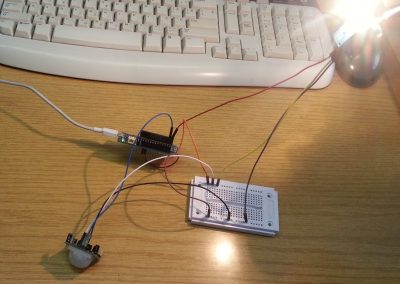
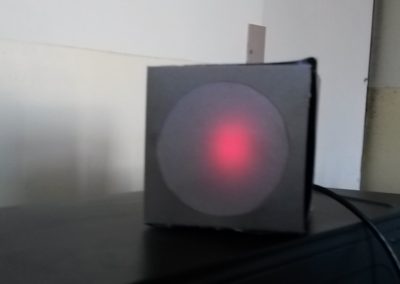
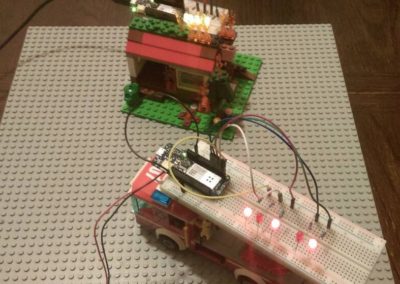
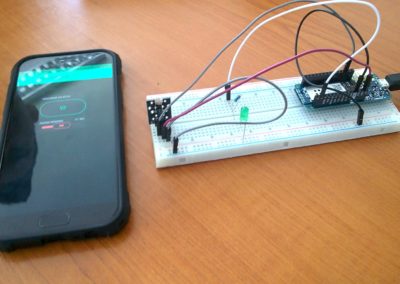
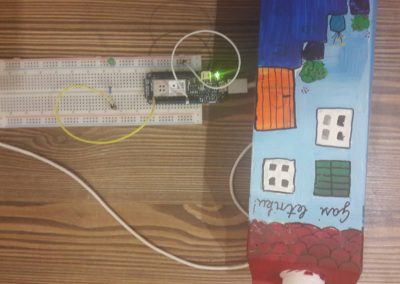
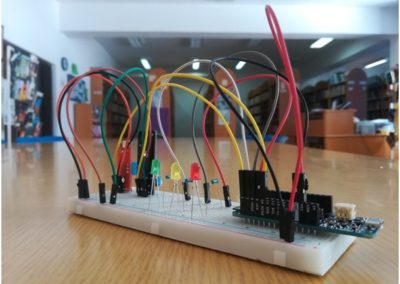
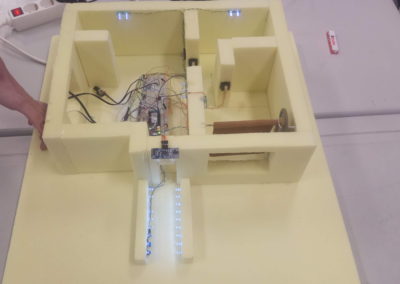
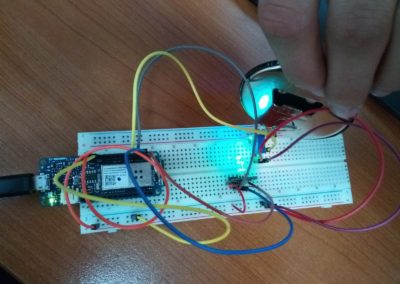
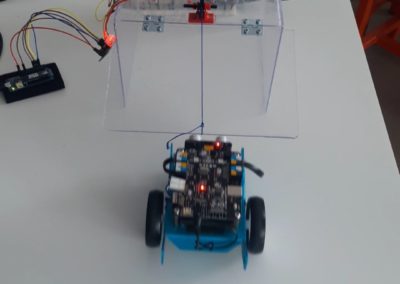
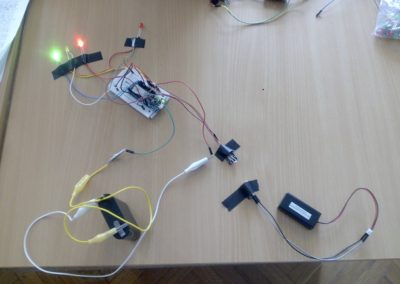
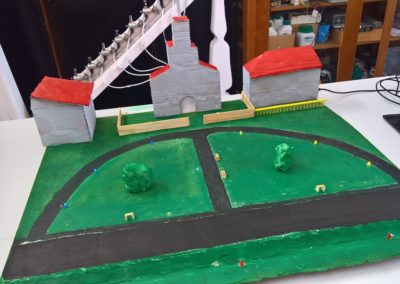
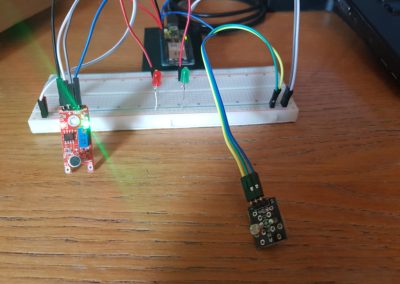
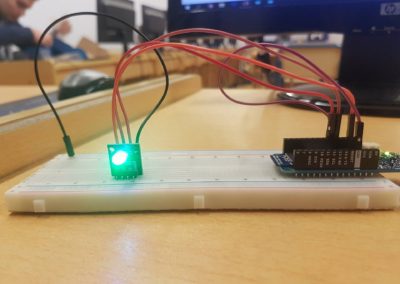
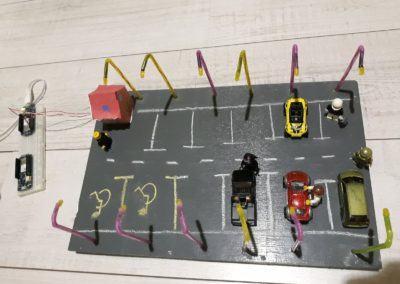
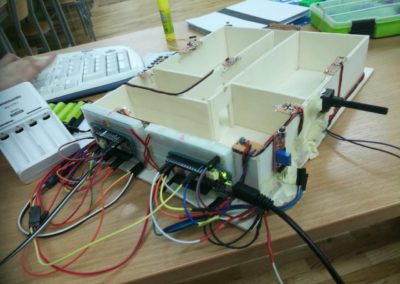
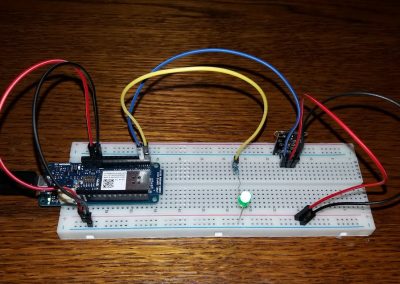
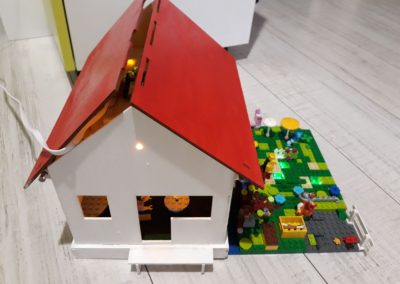
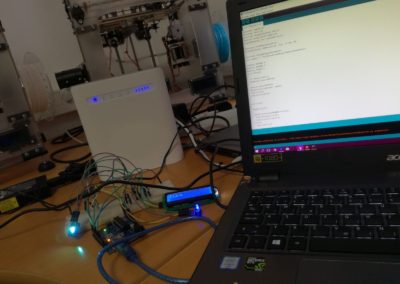
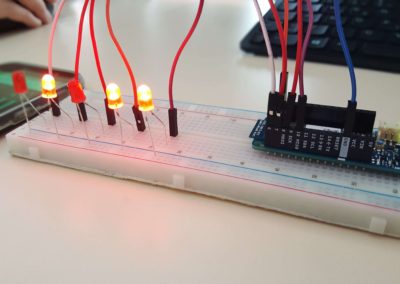
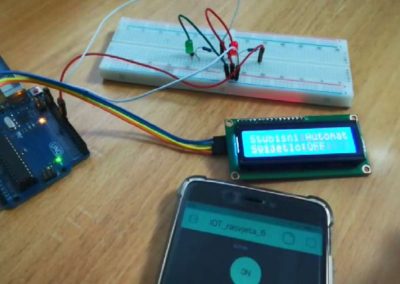
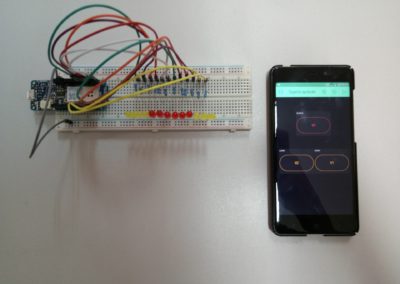
Projekt predstavlja pametnu RGB rasvjetu koja se aktivira približavanjem magneta reed sklopki. Dok je sklopka spuštena, RGB LED diodama upravlja se putem Blynk aplikacije.
Video snimka
Izrada projekta
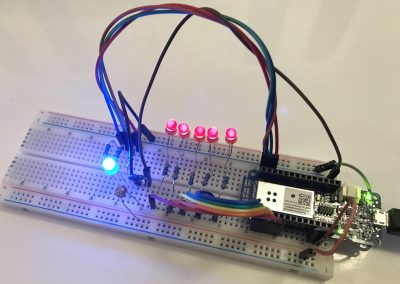
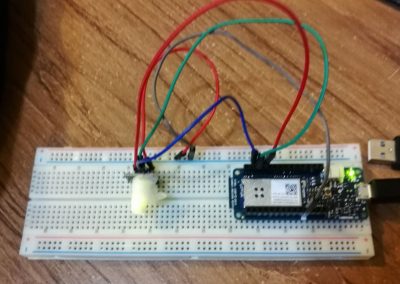
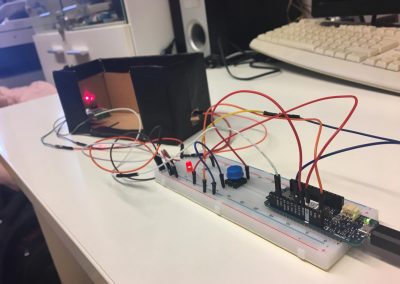
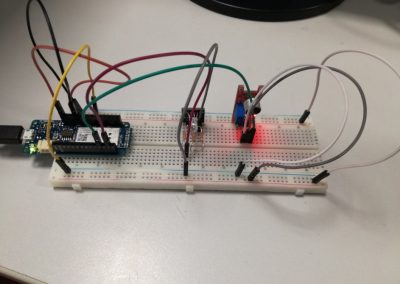
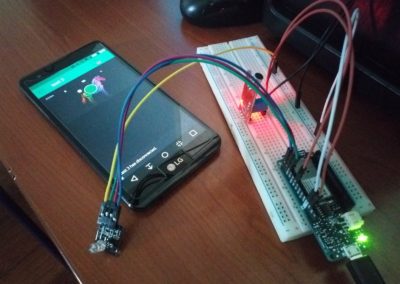
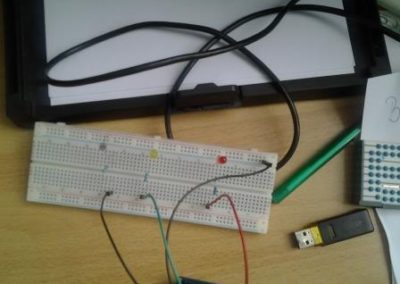
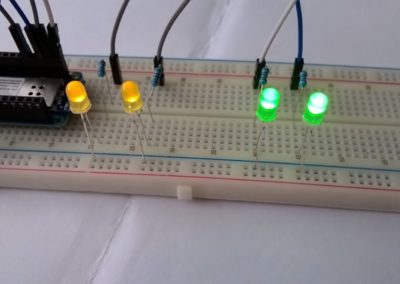
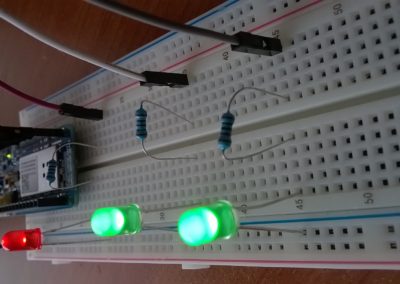
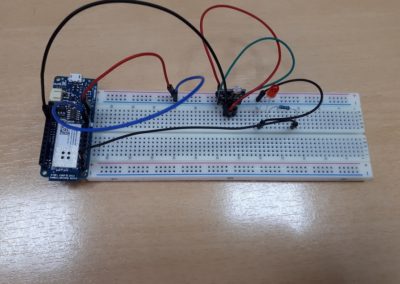
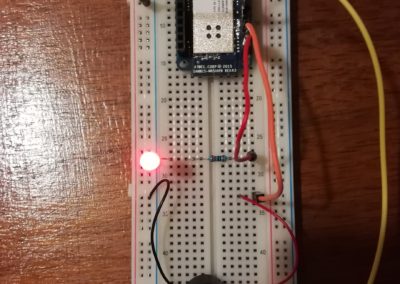
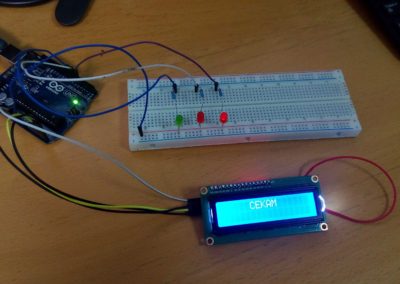
Magnet je udaljen od reed sklopke – LED žaruljice ugašene.

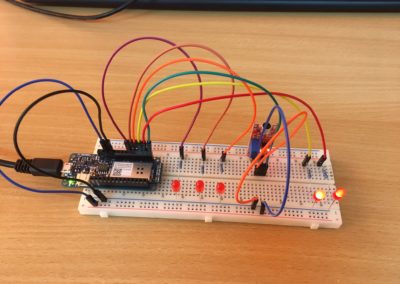
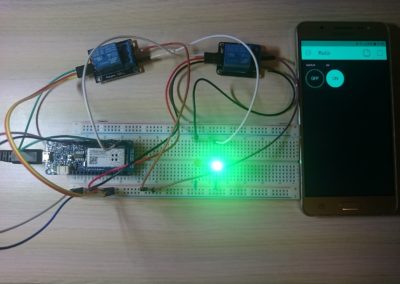
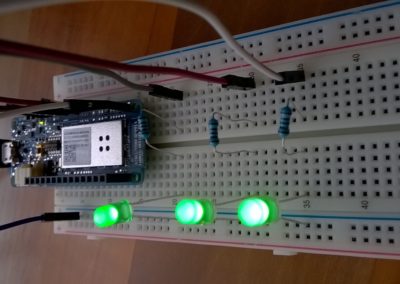
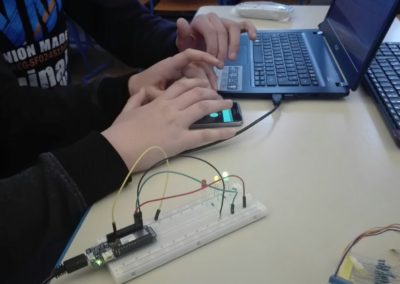
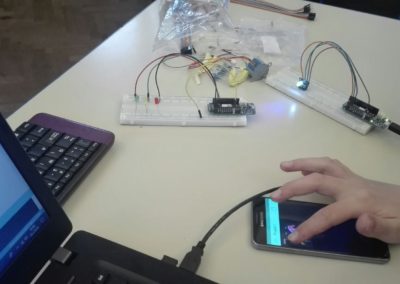
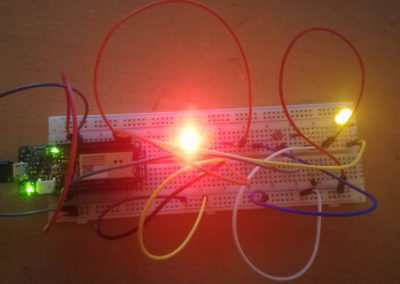
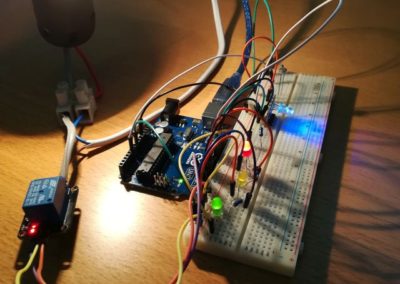
Magnet u blizini reed sklopke – LED žaruljice uključene te upravljive putem BLYNK aplikacije.

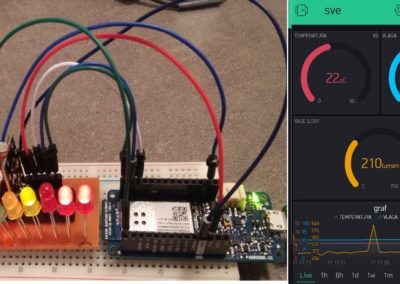
Mobilna aplikacija
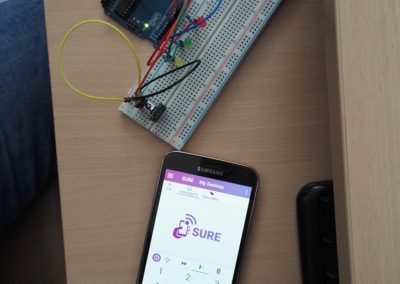
Aplikacija koristi jedan widget za upravljanje RGB LED žaruljicama.

Shema projekta

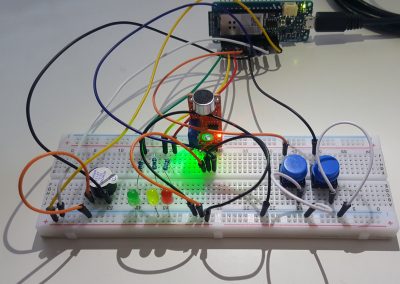
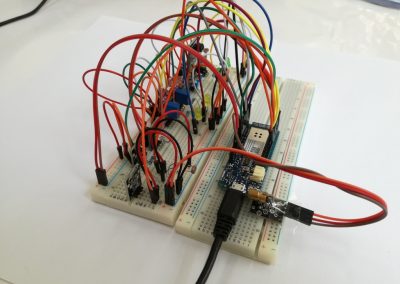
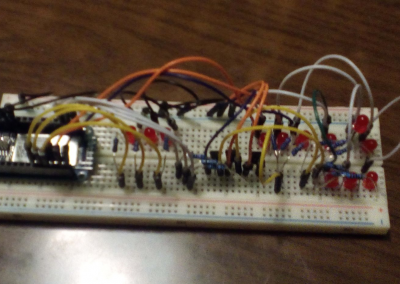
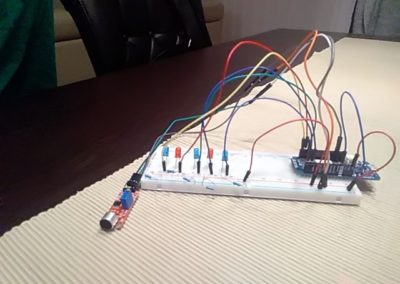
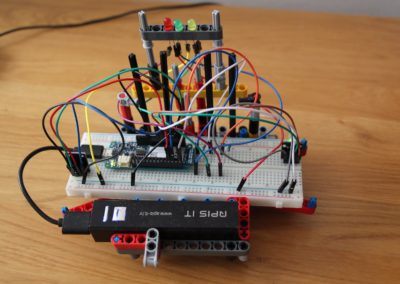
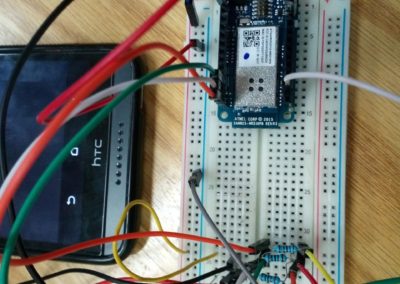
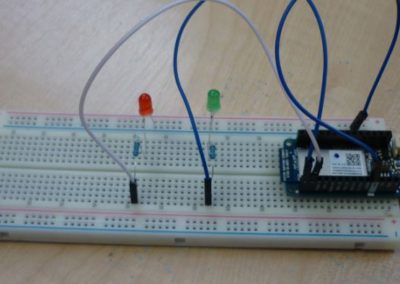
Shema prikazuje odnos između reed sklopke i RGB LED žaruljica na eksperimentalnoj pločici, kao i spojeve na odgovarajuće pinove MKR1000 Arduino pločice.
Shemu ovoga projekta možete preuzeti ovdje.
Arduino program
/*Download latest Blynk library here:
    //https://github.com/blynkkk/blynk-library/releases/latest

  Blynk is a platform with iOS and Android apps to control
  Arduino, Raspberry Pi and the likes over the Internet.
  You can easily build graphic interfaces for all your
  projects by simply dragging and dropping widgets.

    Downloads, docs, tutorials: http://www.blynk.cc
    Sketch generator:           http://examples.blynk.cc
    Blynk community:            http://community.blynk.cc
    Follow us:                  http://www.fb.com/blynkapp
                                Tweets by blynk_app

  Blynk library is licensed under MIT license
  This example code is in public domain.

 *************************************************************

  You’ll need:
   - Blynk App (download from AppStore or Google Play)
   - Arduino MKR1000 board
   - Decide how to connect to Blynk
     (USB, Ethernet, Wi-Fi, Bluetooth, ...)

  There is a bunch of great example sketches included to show you how to get
  started. Think of them as LEGO bricks  and combine them as you wish.
  For example, take the Ethernet Shield sketch and combine it with the
  Servo example, or choose a USB sketch and add a code from SendData
  example.
 *************************************************************/

/* Comment this out to disable prints and save space */
#define BLYNK_PRINT SerialUSB


#include
#include
#include

// You should get Auth Token in the Blynk App.
// Go to the Project Settings (nut icon).
char auth[] = "40159d5755ff46478a3225d75ca0fe25";

// Your WiFi credentials.
// Set password to "" for open networks.
char ssid[] = "P2 Lite";
char pass[] = "12345678ab";
int Led1 = 6;
int Led2 = 7;
int Led3 = 8;
int SenzorMagnet = 9;


void setup()
{
  // Debug console
  SerialUSB.begin(9600);

  Blynk.begin(auth, ssid, pass);
  // You can also specify server:
  //Blynk.begin(auth, ssid, pass, "blynk-cloud.com", 8442);
  //Blynk.begin(auth, ssid, pass, IPAddress(192,168,1,100), 8442);
   pinMode(Led1, OUTPUT);   //postavi 6. pin kao izlazni
   pinMode(Led2, OUTPUT);  //postavi 7. pin kao izlazni
   pinMode(Led3, OUTPUT);  //postavi 8. pin kao izlazni
  pinMode(SenzorMagnet, INPUT);    //postavi izvod SenzorMagnet (9) kao ulazni
}

void loop()
{
 if (digitalRead(SenzorMagnet)==HIGH){    // u slučaju približavanja magneta senzoru, aktivira se Blynk aplikacija
     Blynk.run();

 }
 else {
  analogWrite(Led1, 0);  // LEDice se isključuju
  analogWrite(Led2, 0);
  analogWrite(Led3, 0);

 }
}
Arduino program ovoga projekta možete preuzeti ovdje.
Autori
Projekt su izradili Antoni Spevan i Dorian Niko Bošnjak uz mentorstvo Dine Arbule iz OŠ Zamet Rijeka
Projekt je prijavljen na temu: Internet of Things: Pametna rasvjeta.